# Create a conditional access policy that blocks high risk Android
{% hint style="warning" %}
Create a conditional access policy that blocks high risk Android devices/users for all cloud apps
{% endhint %}
## Portal.azure.com
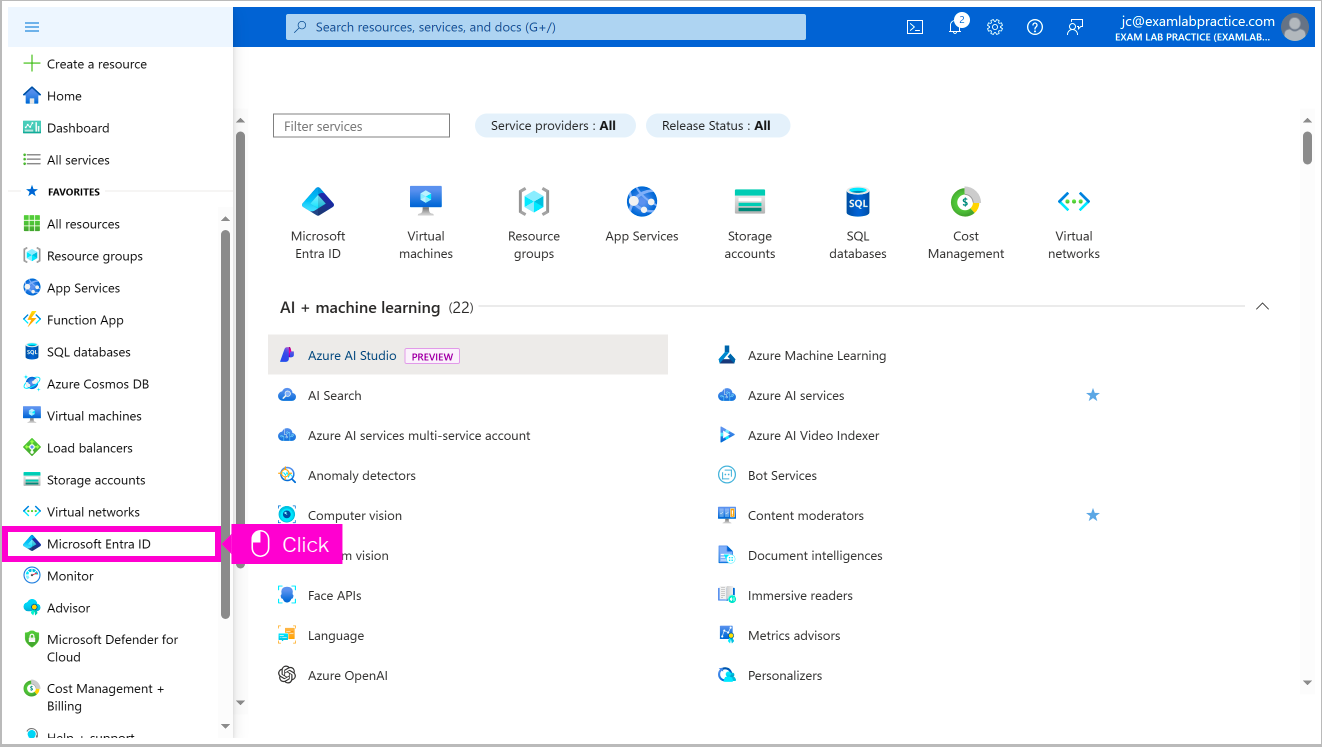
Open portal.azure and scroll down and click Show portal menu
Click Show portal menu
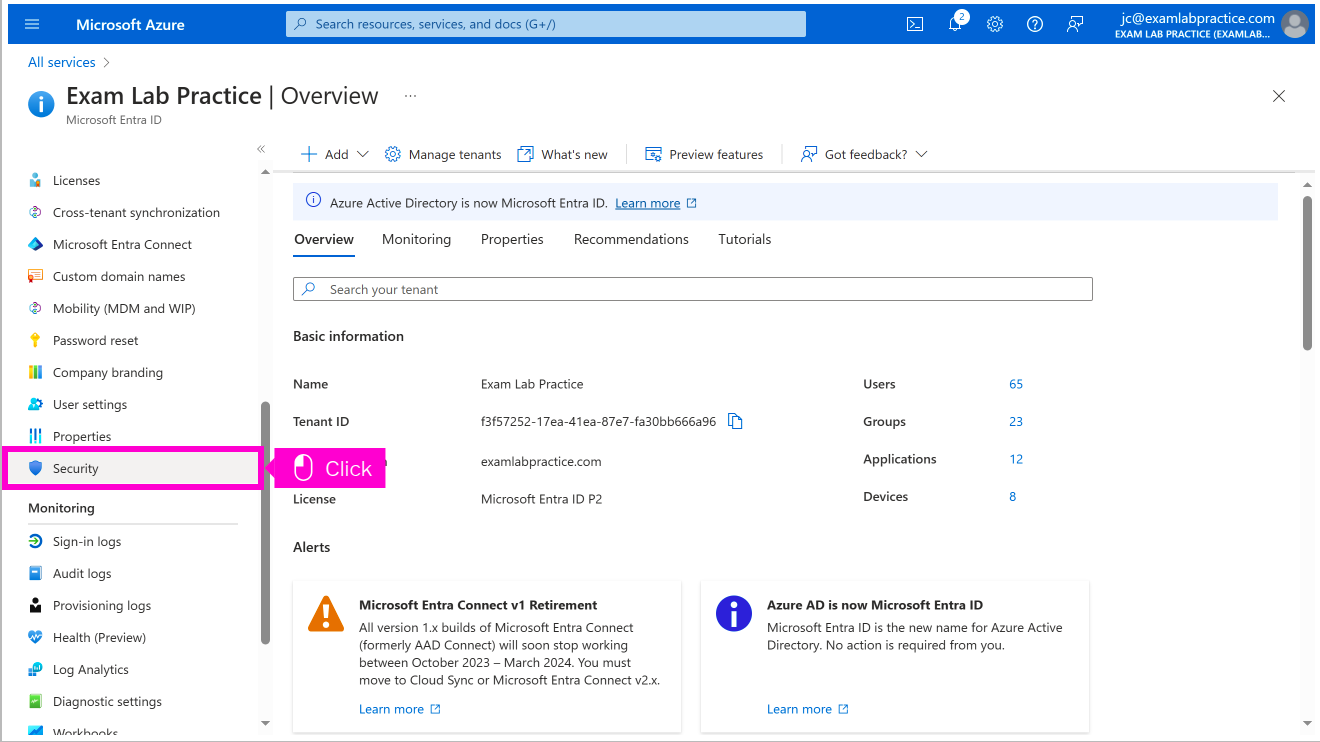
Scroll down and click Security
Click Conditional Access
Click Create new policy
Click 0 users and groups selected
Click highlight
Click No target resources selected
Click highlight
Click 0 conditions selected
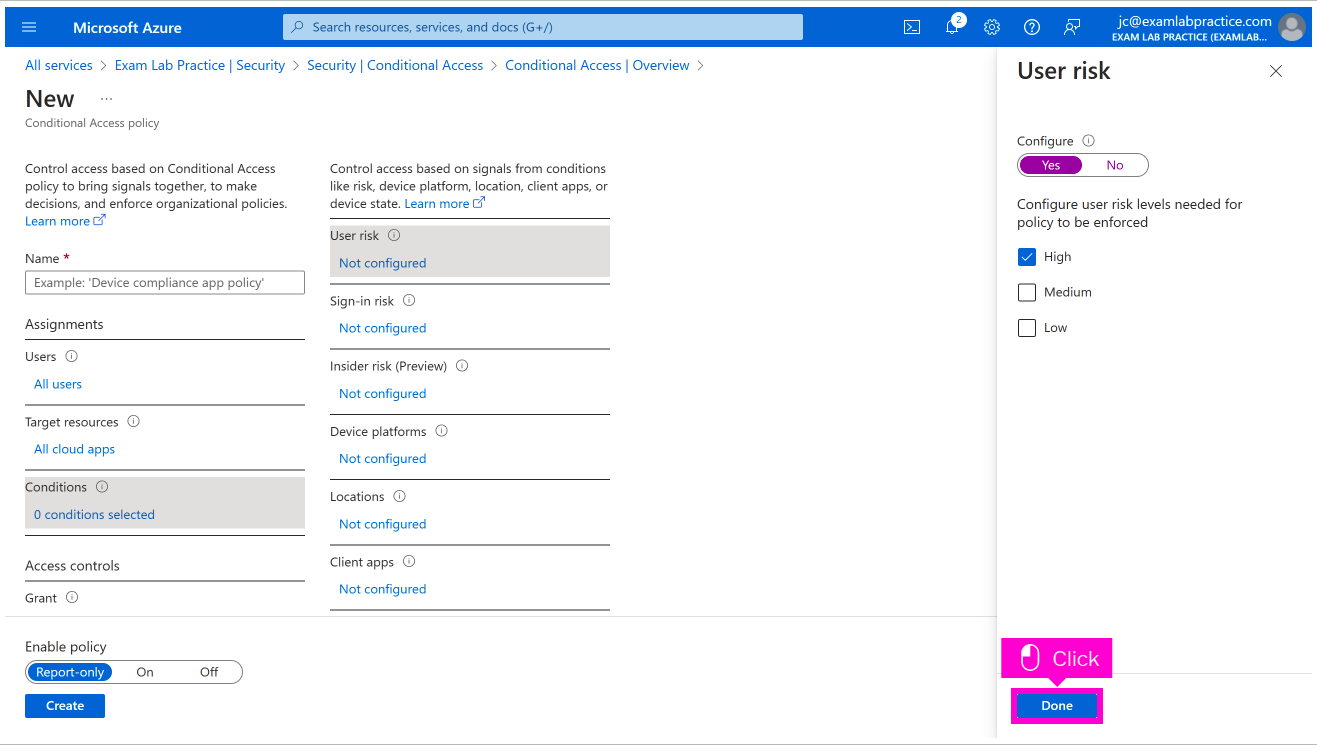
Click Not configured
Click highlight
Click highlight
Click Done
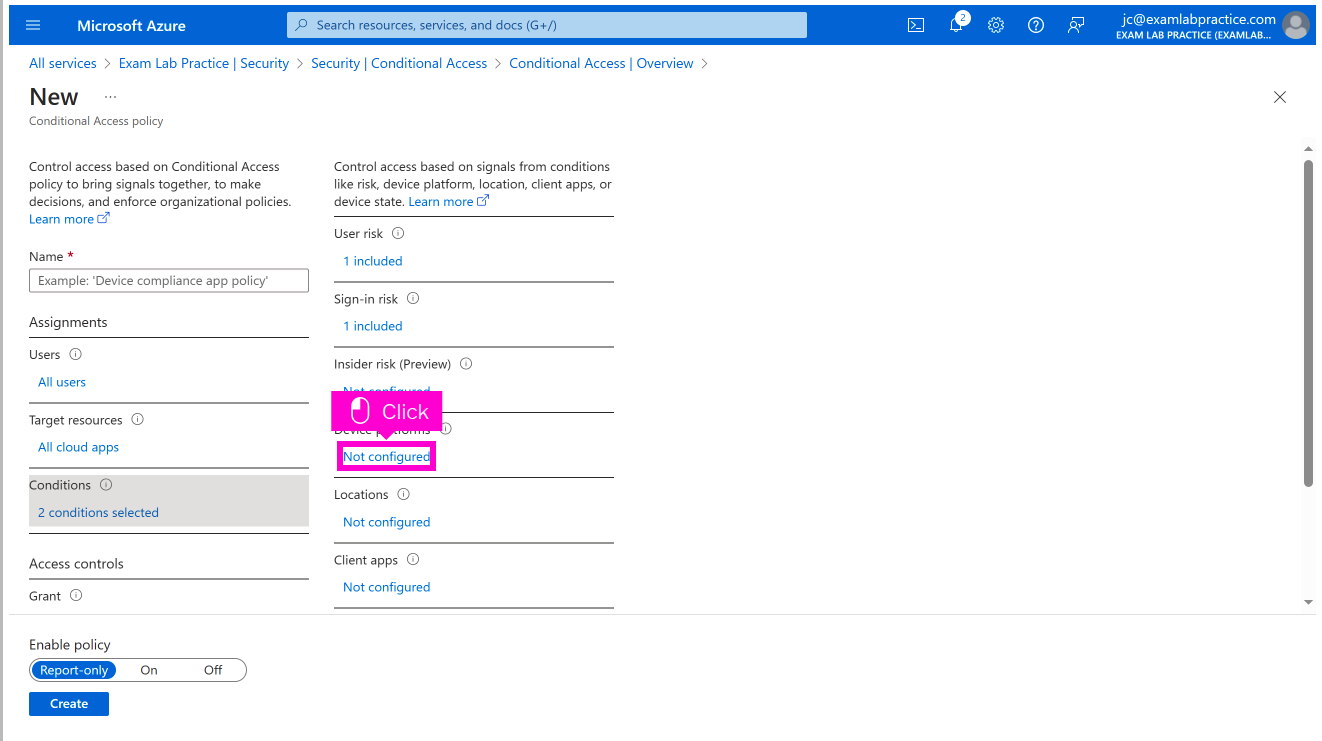
Click Not configured
Click highlight
Click Group, select the sign-in risk level this polic...
Click Done
Click Not configured
Click highlight
Click highlight
Click highlight
Click Done
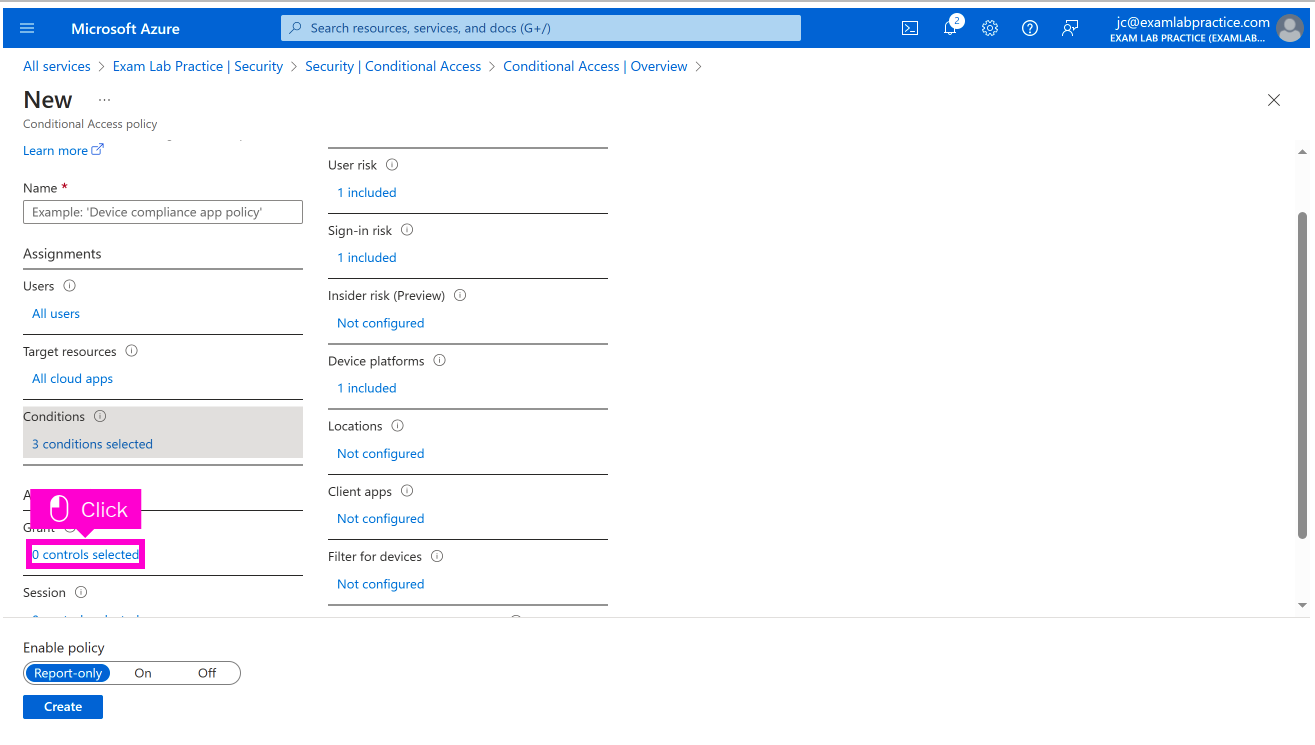
Scroll down and click 0 controls selected
Click highlight
Click Select
Click highlight
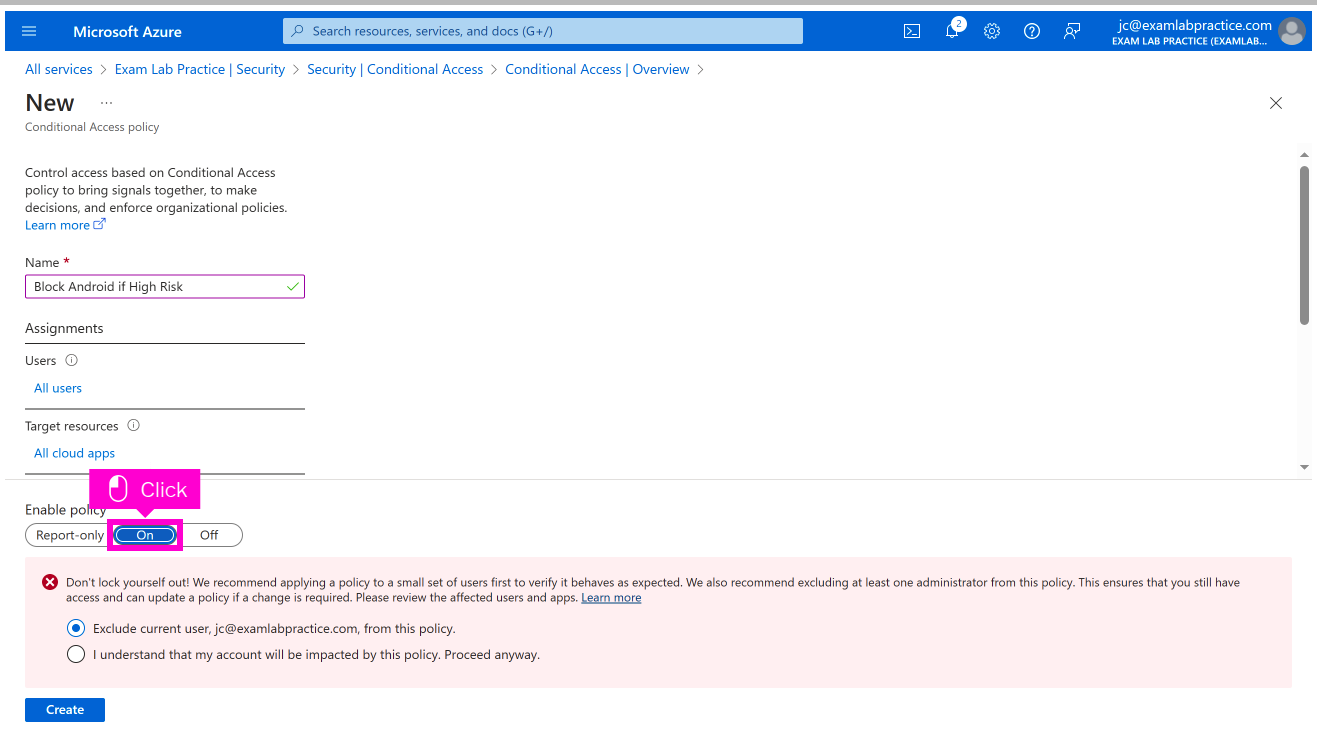
Scroll up and click Name
Click Enable Policy: On.
Click Create