# Create a sensitive info type for Credit Cards using a function
{% hint style="warning" %}
Create a sensitive info type for Credit Cards using a function along with expiration date function
{% endhint %}
## Admin.microsoft.com
Open admin.microsoft and scroll and click here
Scroll down and click here
Click Information Protection
Click Classifiers
Click Sensitive info types
Click Create sensitive info type
Type Name
Click Description
Click Create pattern
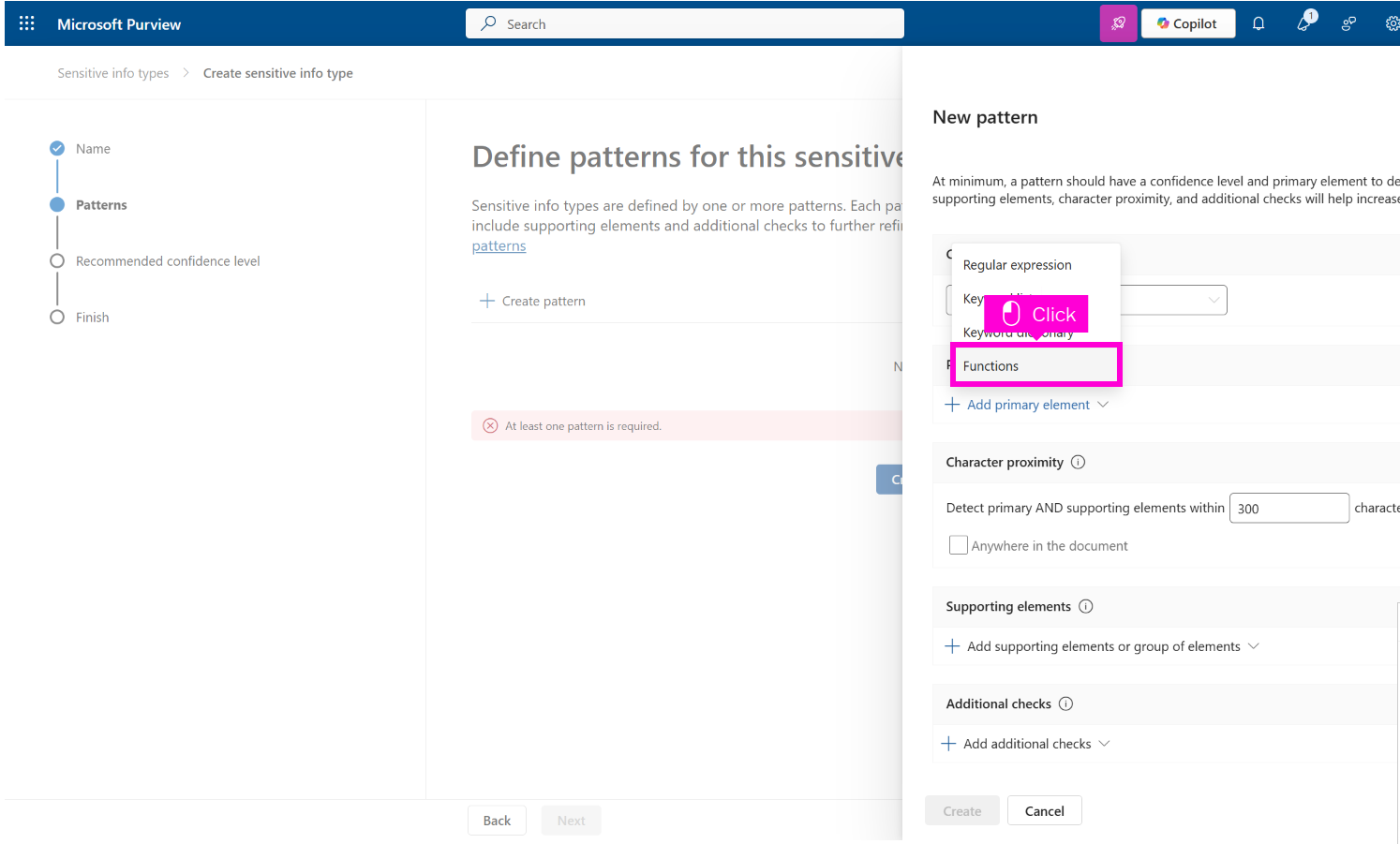
Click Primary element Required Add primary element
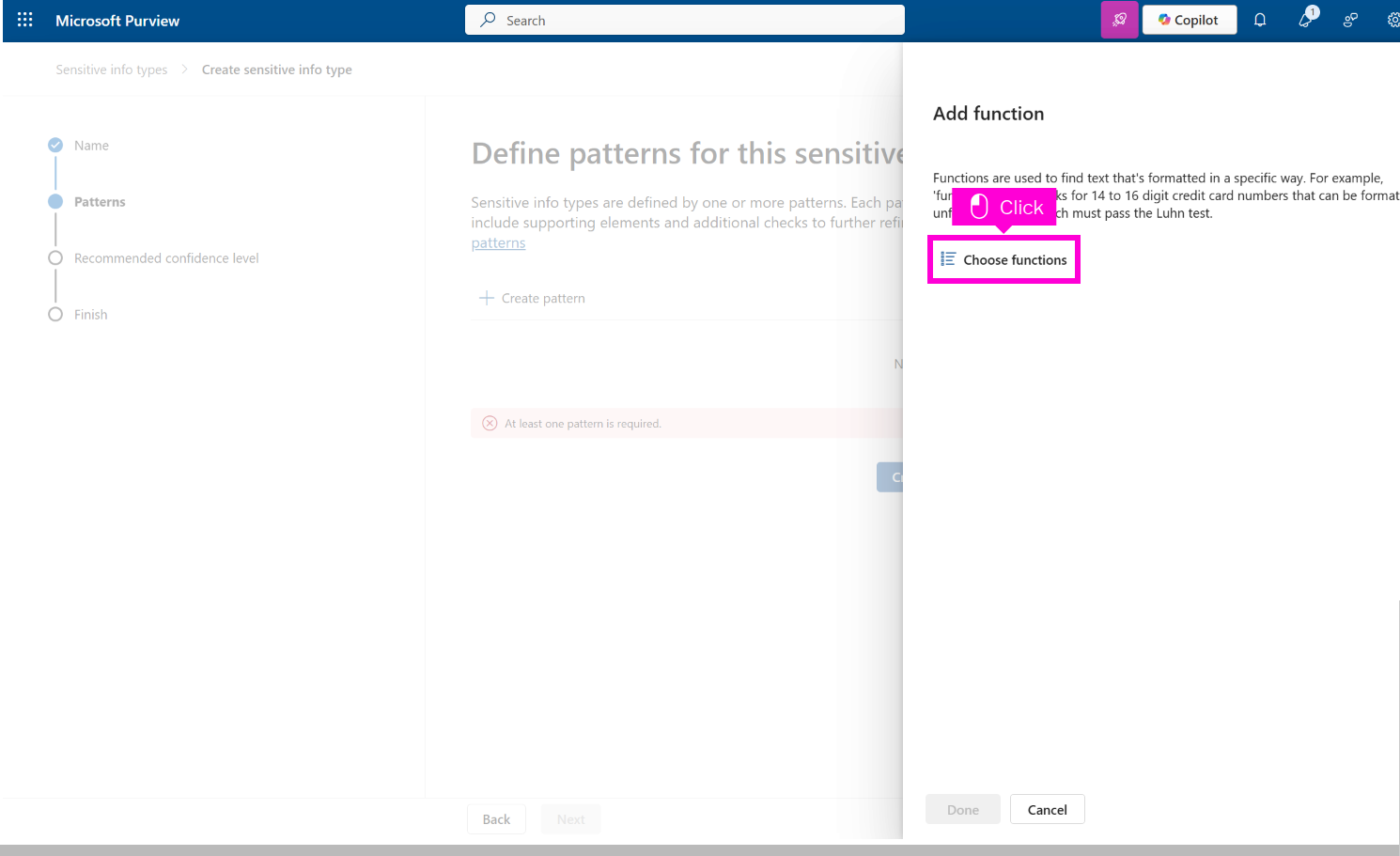
Click Choose functions
Click Search for functions
Click Row radio button
Click Supporting elements Add supporting elements or ..
Click Functions
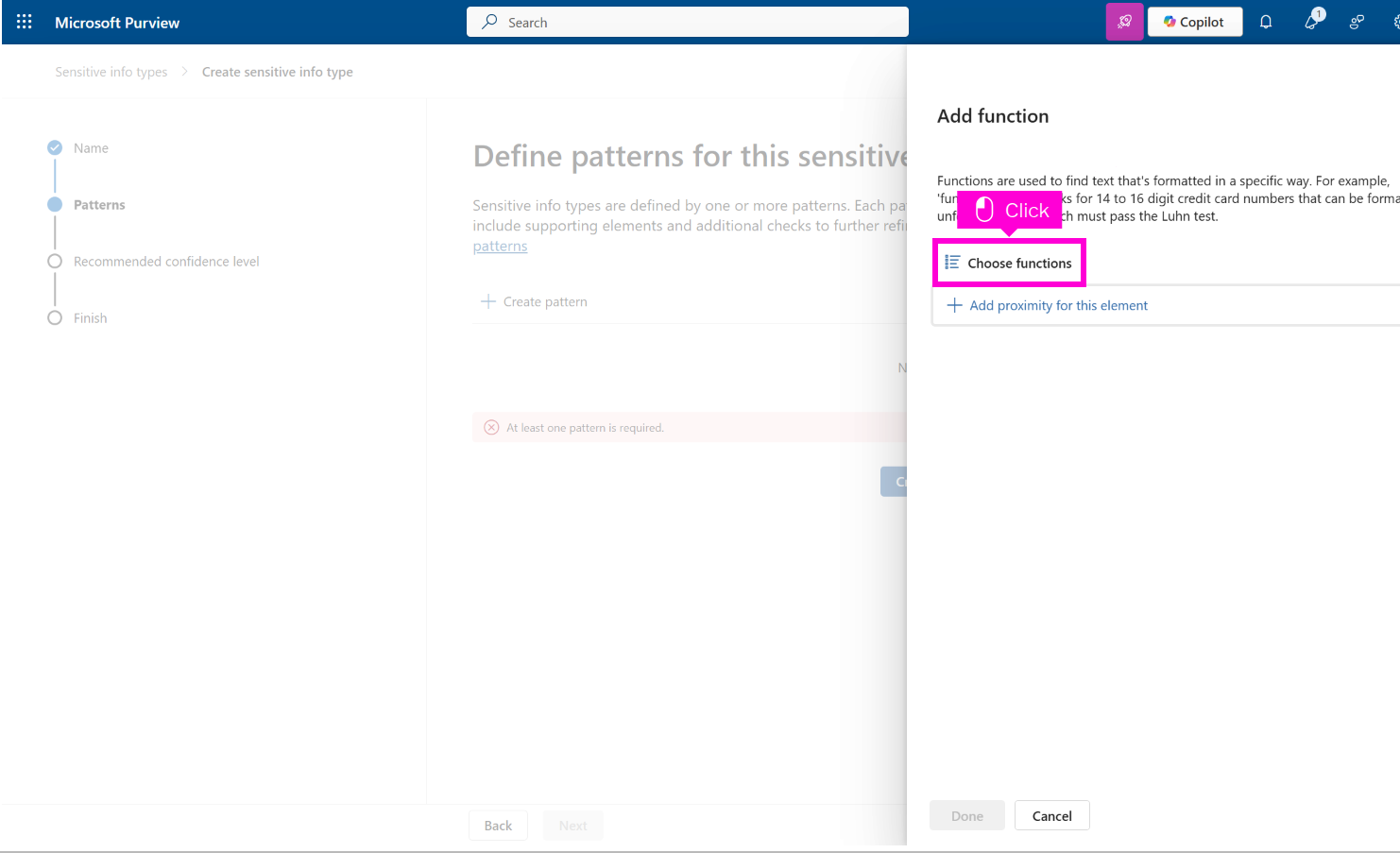
Click Choose functions
Click Search for functions
Click Row radio button
Click Add
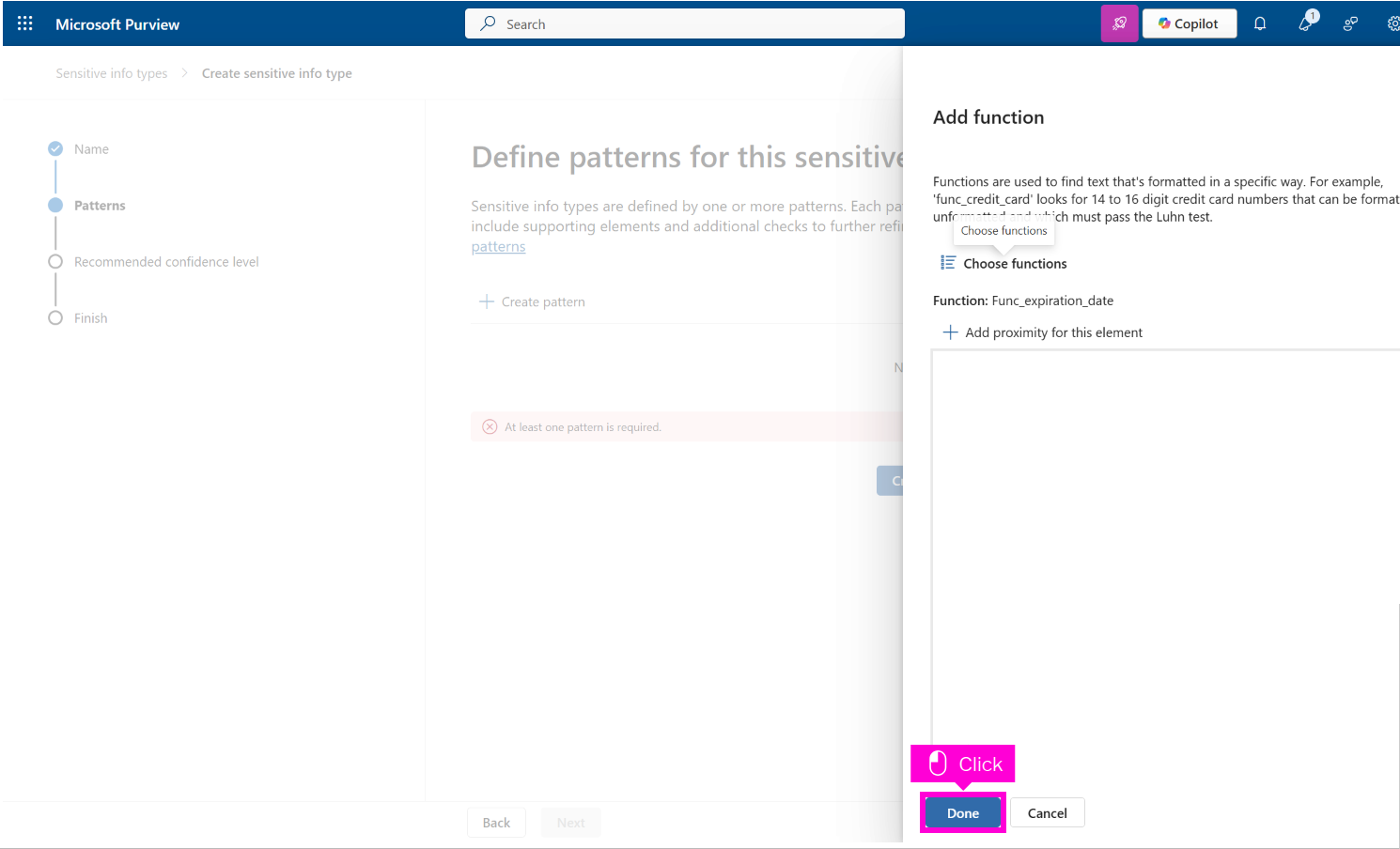
Click Done
Scroll down and click Create
Click Next
Click Next
Click Create
Click Done