How to Manage Omada Devices at Different Sites Using Omada SDN Controller via Port Forwarding
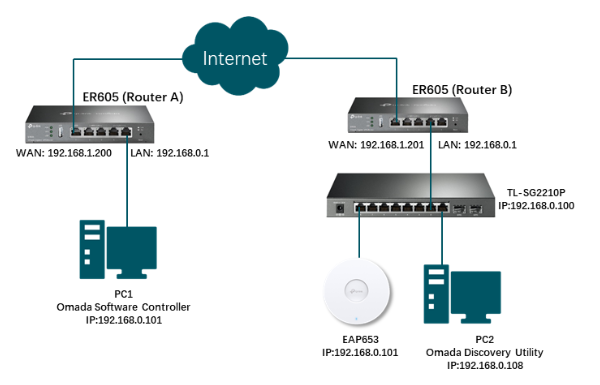
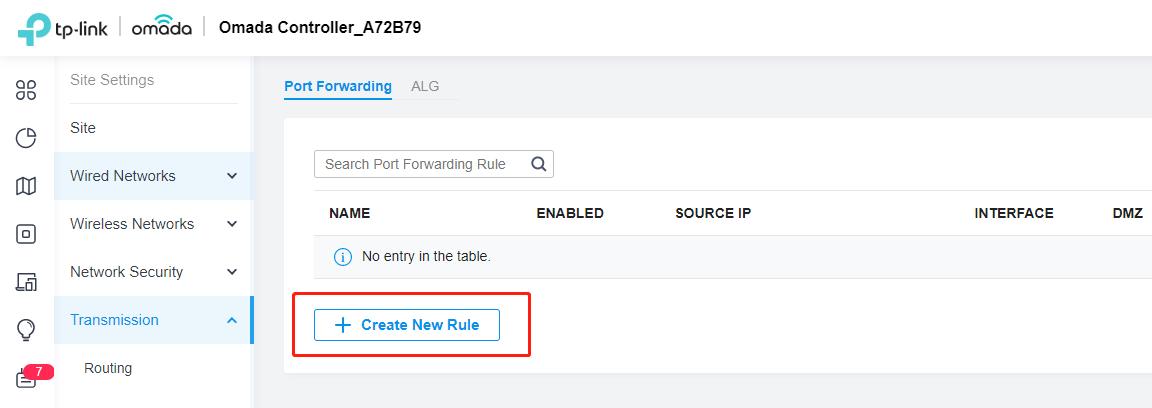
Step1: Set Port Forwarding for Router A on Omada SDN Controller
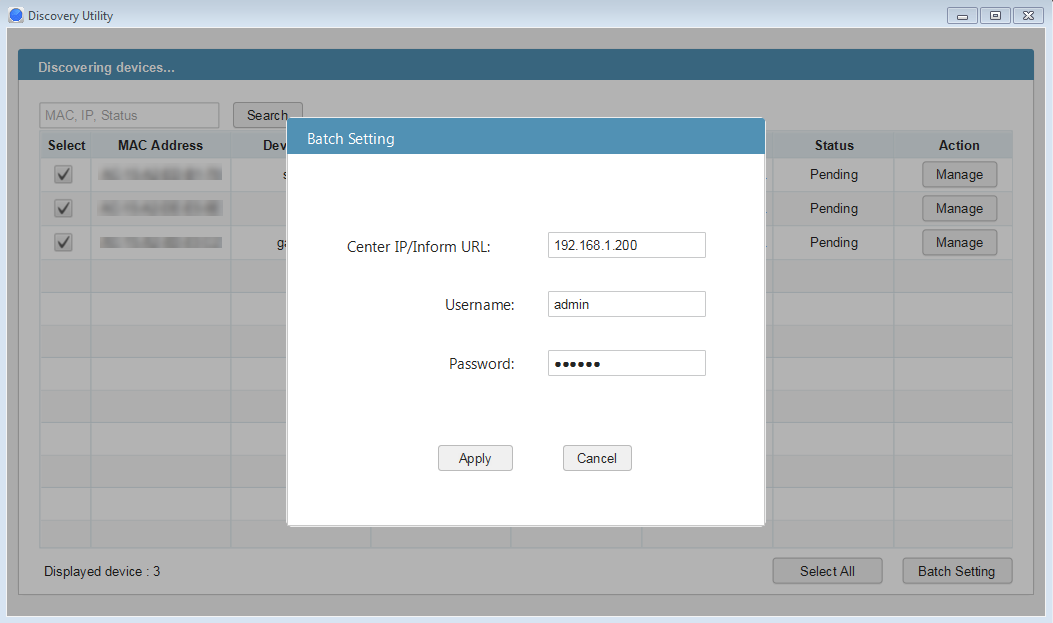
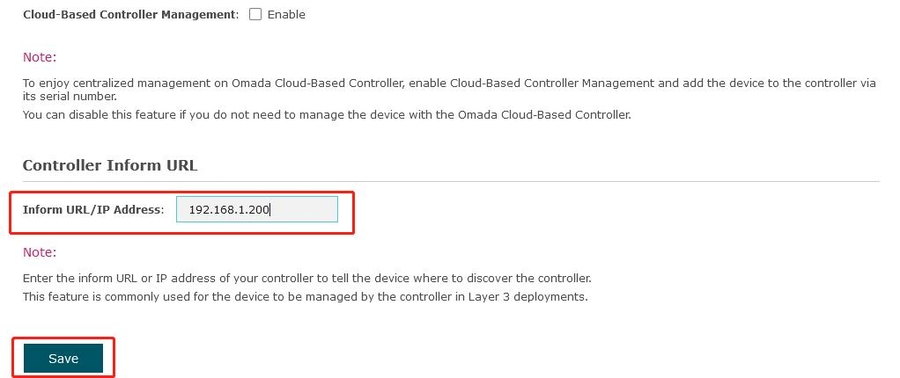
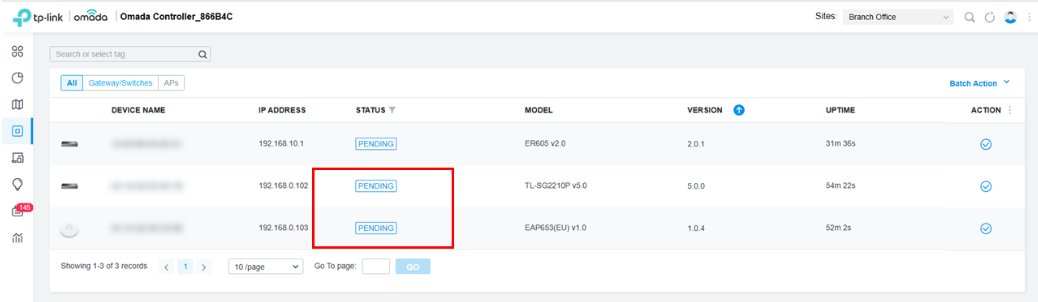
Step2: Inform the Router A’s WAN IP to the Omada devices
Method 1: Omada Discovery Utility



Method 2: Standalone Management Page



Method 3: CLI Command
Note: Currently, this method is only suitable for Switch and EAP.
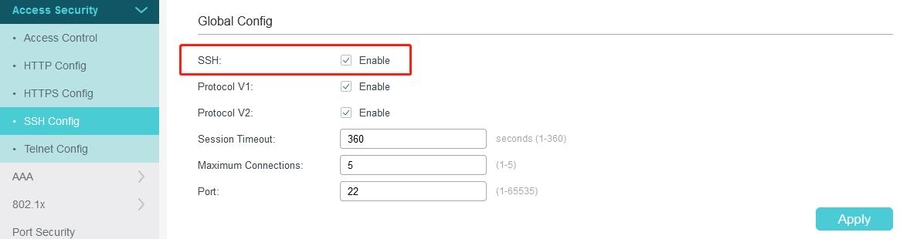
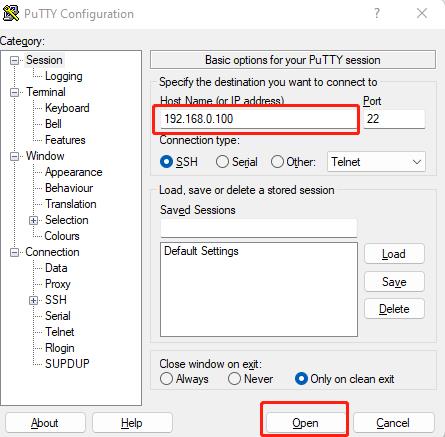

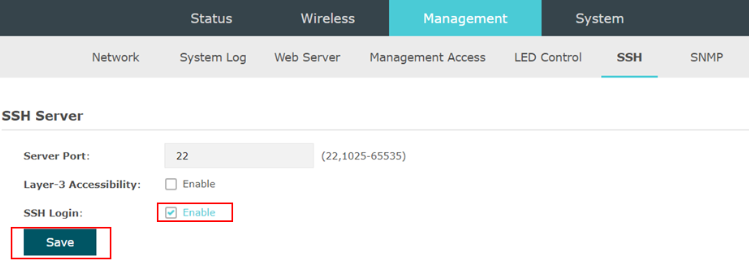
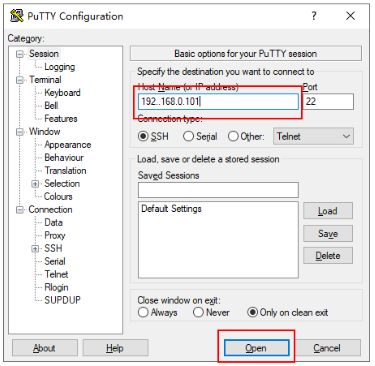

Method 4: DHCP Option 138


REFERENCES
Last updated